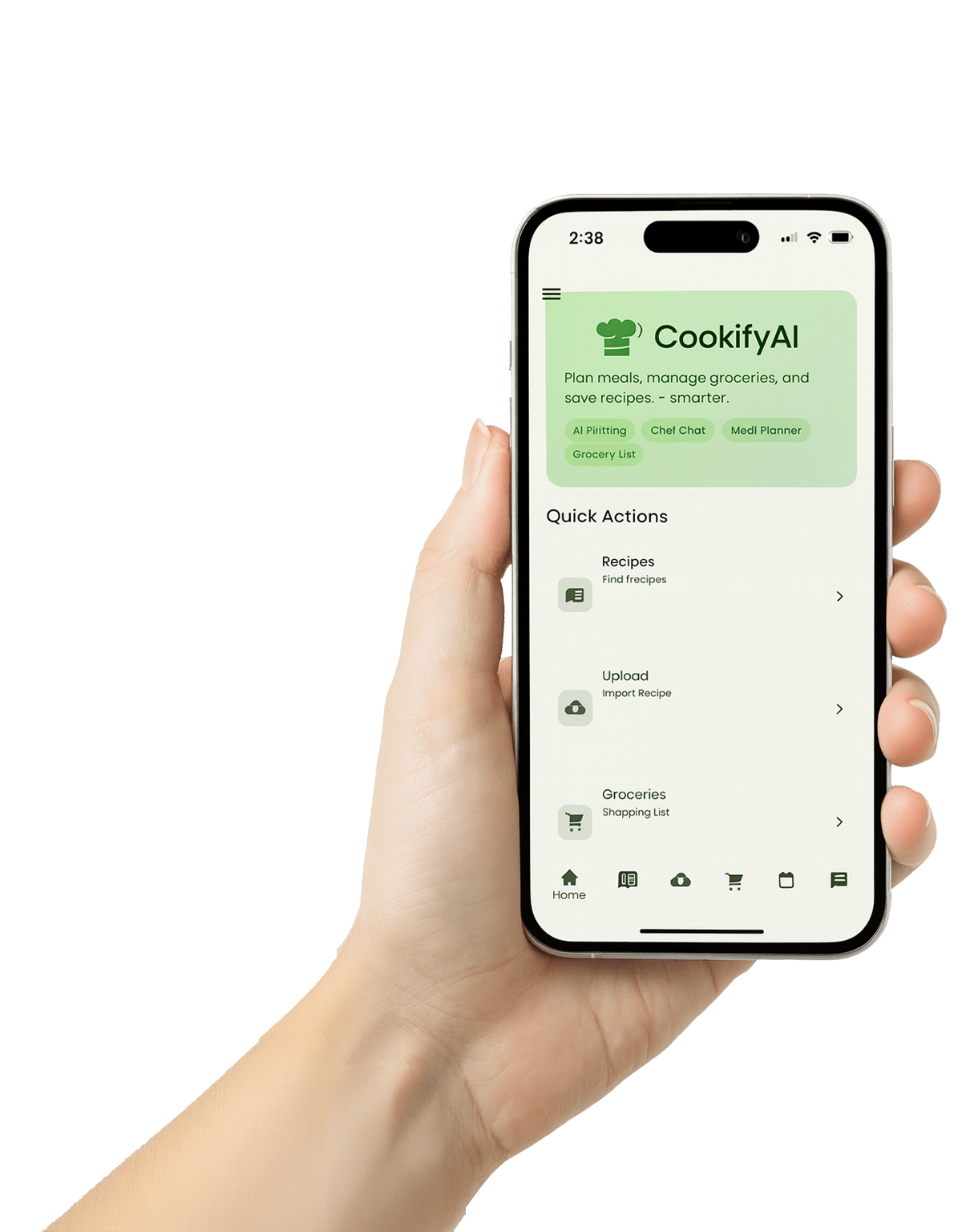

Hand holding an iPhone showing the CookifyAI home screen with a green header and quick actions for Recipes, Upload, and Groceries.

Turn TikTok Food Videos Into Real Meals

CookifyAI takes your saved TikTok recipes and turns them into step-by-step recipes, a weekly meal plan, and an Instacart-ready grocery list—so dinner goes from scroll to do

TikTok → Recipe in One Tap

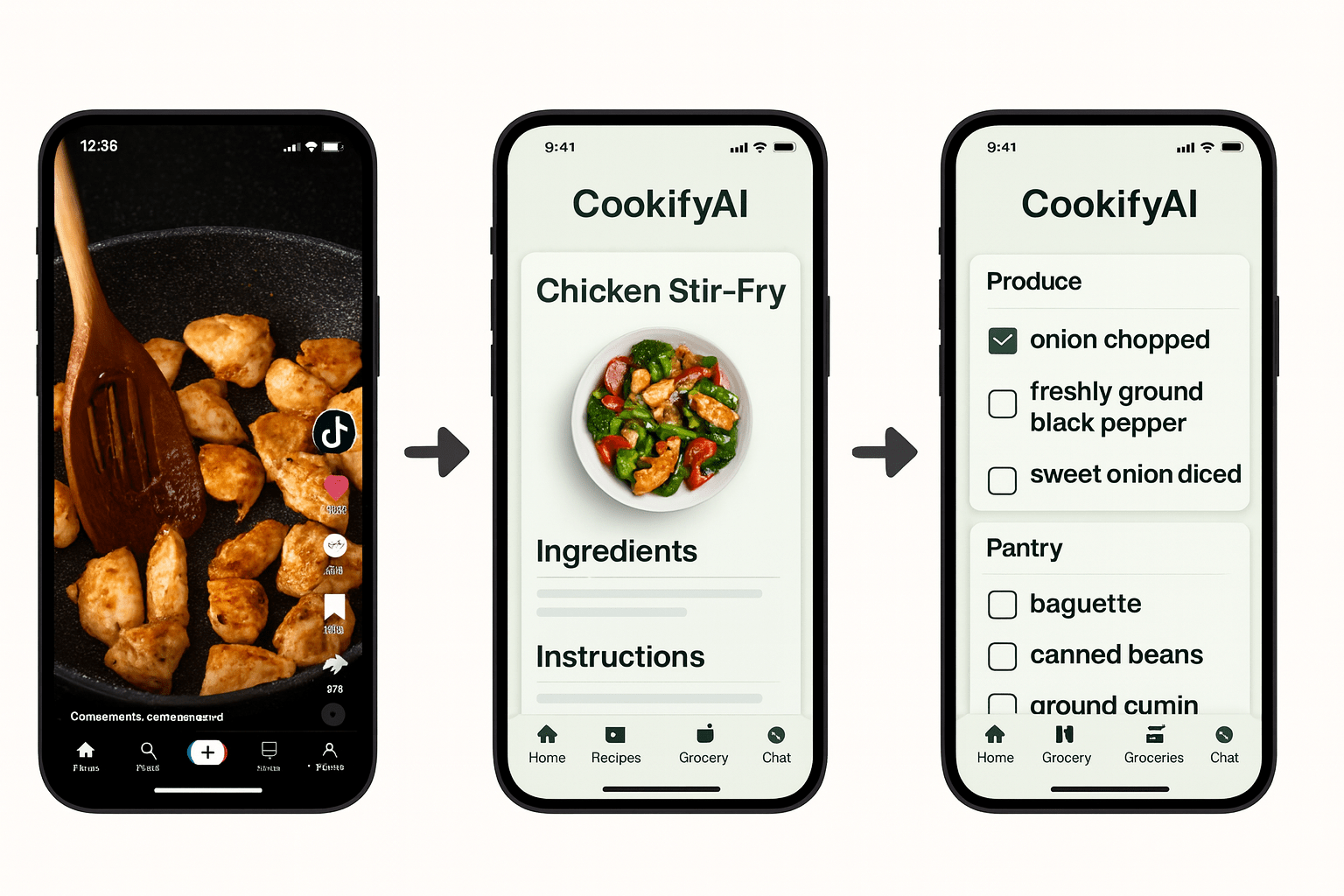
Share or paste any TikTok food video—CookifyAI pulls out ingredients and steps, cleans up the mess, and saves it as a cook-ready recipe in your personal cookbook.

Smart Weekly Meal Planner

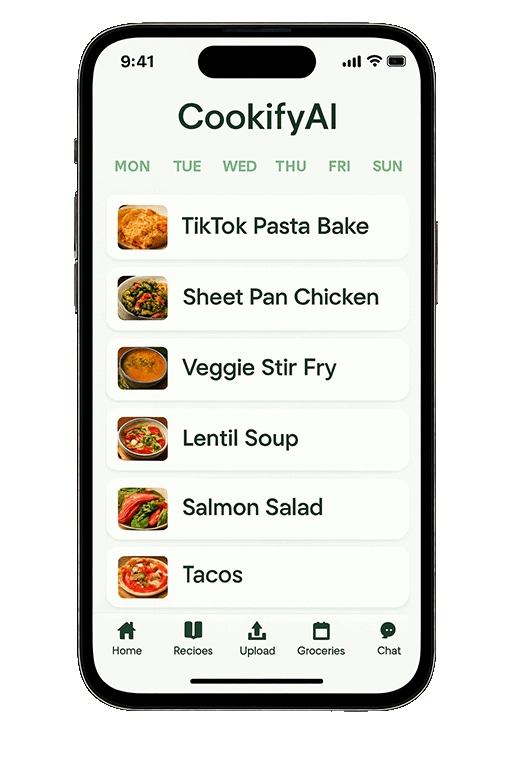
Drag your saved recipes into a simple calendar to plan the week. Set servings, leftovers, and dietary needs, then reshuffle with a single tap when plans change.

Auto-Merged Grocery List

CookifyAI merges ingredients across all your planned recipes, converts units, and groups items by aisle—so you only walk the store once.

One-Tap Pickup & Delivery

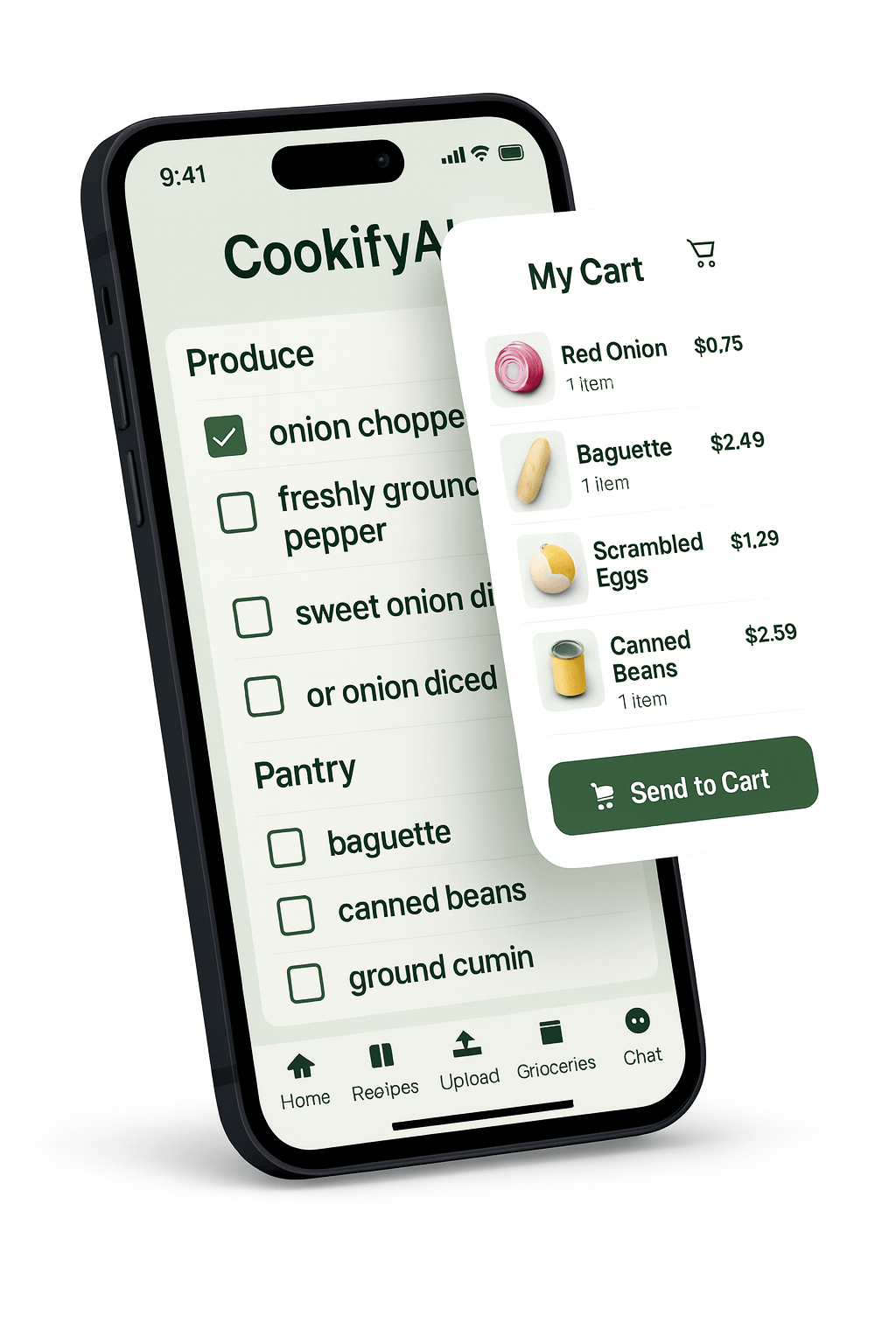
Send your list directly to Instacart or your preferred retailer, review substitutions, and check out. Go from “saved TikTok” to “groceries ordered” in under a minute.

From saved chaos to a simple plan

Your saved recipes shouldn’t live in a black hole of screenshots and TikToks. CookifyAI organizes everything into one place—clean recipes, a visual weekly plan, and one grocery list that actually matches what you want to cook.

“iPhone displaying the CookifyAI weekly meal planner with meals listed Monday through Sunday and a bottom navigation bar.”
“Smartphone displaying the CookifyAI grocery list with a floating cart overlay showing items ready to send to cart.”

From inspiration to groceries in minutes

See a recipe on TikTok, add it to CookifyAI, and instantly get ingredients, a merged list, and a cart ready for pickup or delivery. No more pausing videos, no more scribbled notes, no more “what do you want for dinner?” arguments.

Amazing Features

📲

From Scroll to Supper

Turn “I saved this TikTok” into “we actually ate this tonight.” CookifyAI bridges the gap between inspiration and action in just a few taps.

👨‍👩‍👧‍👦

Built for Busy Households

Plan around soccer practice, late meetings, and leftovers. CookifyAI makes it easy to see the whole week at a glance and adjust when life happens.

🛒

Smarter Grocery Trips

No more zig-zagging across the store. Items are grouped by aisle, quantities are merged, and your list is designed for fast, efficient shopping.

👨‍🍳

AI Chef in Your Pocket

Ask for substitutions, healthier swaps, or different serving sizes. Let the AI Chef handle the math and tweaks while you focus on cooking.

📚

One Home for Your Recipes

Save TikToks, blog posts, and your own recipes in one place. Tag, search, and reuse your favorites without hunting across apps.

🔁

Designed to Be Used Daily

Fast flows, minimal taps, and a layout that works for tired brains. CookifyAI is designed to be the app you actually open every week.

Why CookifyAI is different

Most meal apps start with a search bar. CookifyAI starts where you already are—scrolling TikTok and saving recipes. It turns that real behavior into organized, stress-free dinners.

“Three smartphone screens showing CookifyAI’s workflow: a TikTok cooking video, the converted recipe in CookifyAI, and the generated grocery list.”

Built for real life

CookifyAI helps you cook more of what you actually want, waste less food, and spend less time planning. Fewer decisions, fewer steps, more meals that just work.

Pricing

Start free with ads, then upgrade to remove ads and unlock unlimited AI Credits (“Cookies”).

FREE
$0
  • Import recipes from TikTok & the web
  • Save recipes to your CookifyAI cookbook
  • Basic weekly meal planning
  • Auto-merged grocery lists
  • Limited AI “Cookies” (credits)
  • Includes ads
Start Free
PRO MONTHLY
$7.99
  • Everything in Free
  • No ads
  • Unlimited AI “Cookies” (credits)
  • Faster, smoother AI responses
  • Priority for new features & improvements
  • Perfect for weekly home cooks
Upgrade Monthly
Best Value
PRO ANNUAL
$59.99
  • Everything in Pro Monthly
  • No ads
  • Unlimited AI “Cookies” (credits)
  • Best for families & power users
  • Save over 35% vs monthly
  • Set it once, cook all year
Upgrade Yearly

Now Available

Start turning tonight’s TikTok scroll into real meals.
Download CookifyAI on Android or iOS.

Frequently Asked Questions

Get quick answers to the most common questions about using CookifyAI for TikTok recipes, meal planning, and grocery shopping.

?
Can CookifyAI work with TikTok and other social videos?
CookifyAI analyzes publicly accessible content you submit where you have the rights or permission to use it. For TikTok and similar platforms, we work from the page content and frames as permitted to extract ingredients and steps. If we can’t process a link, you’ll see a clear error and a manual-entry option.
?
What can the AI do with a recipe link or TikTok?
It extracts the title, yield, ingredients, steps, approximate time, and nutrition estimates when derivable. It fixes formatting, scales servings, and tags your recipe with helpful labels (e.g., gluten-free, 30-minute, high-protein).
?
Does CookifyAI generate images for ingredients/meals?
Yes. When enabled, CookifyAI can attach representative images to meals or ingredients and often reuses generic assets to keep things fast. You can toggle this feature in Settings.
?
Which languages and units do you support?
We support US customary and metric units, and you can switch your measurement system per recipe. Language support focuses on English; mixed-language pages usually parse, but results vary.
?
Do I need an account?
Yes. An account syncs your recipes and meal plans across devices, backs up your data, and unlocks Pro features like advanced planning and grocery integrations.
?
How do I add a recipe?
From “Add Recipe,” paste a public link (such as a blog post or TikTok page) into the Recipe URL field and tap “Process Recipe.” CookifyAI extracts ingredients and steps and saves it to your collection. You can edit or annotate it afterward.


Subscribe for early feature drops